Blog Feed

REST API WITH JSON

REST APIs should accept JSON for request payload and also send responses to JSON. JSON is the standard for transferring data. Almost every networked technology can use it: JavaScript has built-in methods to encode and decode JSON either through the Fetch API or another HTTP client. Server-side technologies have libraries that can decode JSON without doing much work.

There are other ways to transfer data. XML isn’t widely supported by frameworks without transforming the data ourselves to something that can be used, and that’s usually JSON. We can’t manipulate this data as easily on the client-side, especially in browsers. It ends up being a lot of extra work just to do normal data transfer.

Form data is good for sending data, especially if we want to send files. But for text and numbers, we don’t need form data to transfer those since—with most frameworks—we can transfer JSON by just getting the data from it directly on the client side. It’s by far the most straightforward to do so.

To make sure that when our REST API app responds with JSON that clients interpret it as such, we should set Content-Type in the response header to application/json after the request is made. Many server-side app frameworks set the response header automatically. Some HTTP clients look at the Content-Type response header and parse the data according to that format.

The only exception is if we’re trying to send and receive files between client and server. Then we need to handle file responses and send form data from client to server. But that is a topic for another time. 

Let’s take a look at an example API that accepts JSON payloads. This example will use the Express back end framework for Node.js. We can use the body-parser to parse the JSON request body, and then we can call the res.json method with the object that we want to return as the JSON response as follows:

const express = require('express');
const bodyParser = require('body-parser');

const app = express();

app.use(bodyParser.json());

app.post('/', (req, res) => {
  res.json(req.body);
});

app.listen(3000, () => console.log('server started'));

bodyParser.json() parses the JSON request body string into a JavaScript object and then assigns it to the req.body object.

REST ARCHITECTURAL STYLE

A REST API performs the requests and receive responses via HTTP protocol to POST, DELETE, GET, PUT the data. It works by creating small modules to address each part of function (for example, transaction) and completes the entire task efficiently.

Getting clear with the key motive of REST API, lets go further with the main PRINCIPLES OF REST which help to fulfill this task of connectivity.

  • CLIENT- SERVER: Drawing a line between the client-server, rest architecture enables smooth interface and develops both of them to perform their specific functions effectively.
  • STATELESS OPERATIONS: REST statelessness means being free on application side, that is every new HTTP request is independent of any previous request.  This increases efficiency in its functioning as complete information required to fulfill the request is transferred from client to server and further task is carried out with correctness.
  • LAYERED SYSTEM: Composition of multiple layers of servers helps to maintain application’s security. It also enhances stability, encapsulates legacy system and improves flexibility.
  • UNIFORM INTERFACE: Having a uniform interface lets the application access to bring out updates via unique URL. This interface provides a standardized means of communicating between the client and the server, such as using HTTP with URI resources, CRUD (Create, Read, Update, Delete), and JSON.
  • CACHEABLE: Storage of cache-able data on client side enables to reduce the internal server usage and allow API users with the tools necessary to provide the fastest and most efficient apps possible.
  • CODE ON DEMAND: This is an optional constraint. It allows the client’s code or applets to be downloaded and be used within the application. It  simplifies the clients by creating a smart application which doesn’t rely on its own code structure.

 These compose the REST Architectural constraints.

Stay tuned and enjoy tech!

SOAP V/S REST API

Having learnt basic definitions about two methodologies of creating an API, lets go further as to how both of these actually work in practical.                   

SOAP is a standardized protocol that sends messages using other protocols such as HTTP(Hyper Text Transfer Protocol) and SMTP(Simple Mail Transfer Protocol). It has strict guidelines and advanced security features. It uses only XML (eXtensible Markup Language) as its messaging format tool. Its design complexity and requirement of higher bandwidth leads to lower the speed of webpage. It also attains heavy weight architecture.

To overcome this problem of low speed connectivity and develop an easier style with much efficiency, REST API was born.

REST is and architectural style which uses multiple standards like HTTP(Hyper Text Transfer Protocol), JSON(Java Script Object Notation), URL(Uniform Resource Locator), and XML(eXtensible Markup Language) which make the process of creation much more easier. It requires less bandwidth and data can be delievered in many formats. It speeds up work of transactions and enables high efficiency in reaching out to desired websites fast.  The best example for this is the Word Press REST API which provides endpoints for WordPress data types so that you can interact remotely with the content of a WordPress site and achieve great things such as building mobile apps with Word Press.

WEB SERVICE API’S: REST AND SOAP

After learning basic aspects of API and its basic types, lets now move ahead to web service api’s which serve our main agenda of building and communicating two software’s.                                                                   

So, what is basically a web service? Web service facilitates interaction between two software’s.  It has an interface (API) which allows this connectivity. Keeping this in mind let’s make a statement that “All Web services are APIs but all APIs are not Web services”.

Getting it clear? Alright… Now we will learn the most important topic of API development, that is SOAP and REST. Starting with their full form, both can be stated as:   SOAP – Simple Object Access Protocol
REST – REpresentational State Transfer                                           

SOAP and REST are two different accessibilities to web service development.

SOAP is standard based web service access protocol which was designed before REST and came into the picture. The main idea behind designing SOAP was to ensure that programs built on different platforms and programming languages could exchange data easily.  

A RESTful API, also referred to as a RESTful web service is based on representational state transfer (REST) technology, an architectural style and approach to communications often used in web service development.

Now the question arises how do these two different entities serve our purpose? Which is more efficient?Let’s explore this in next part of SOAP V/S REST API!                                            

Till then, Stay tuned and Enjoy tech!

BASIC TYPES OF API’S

Recapitulating need of API’s, lets us move towards different types of API we are used to cater requirements of the company or organization.              

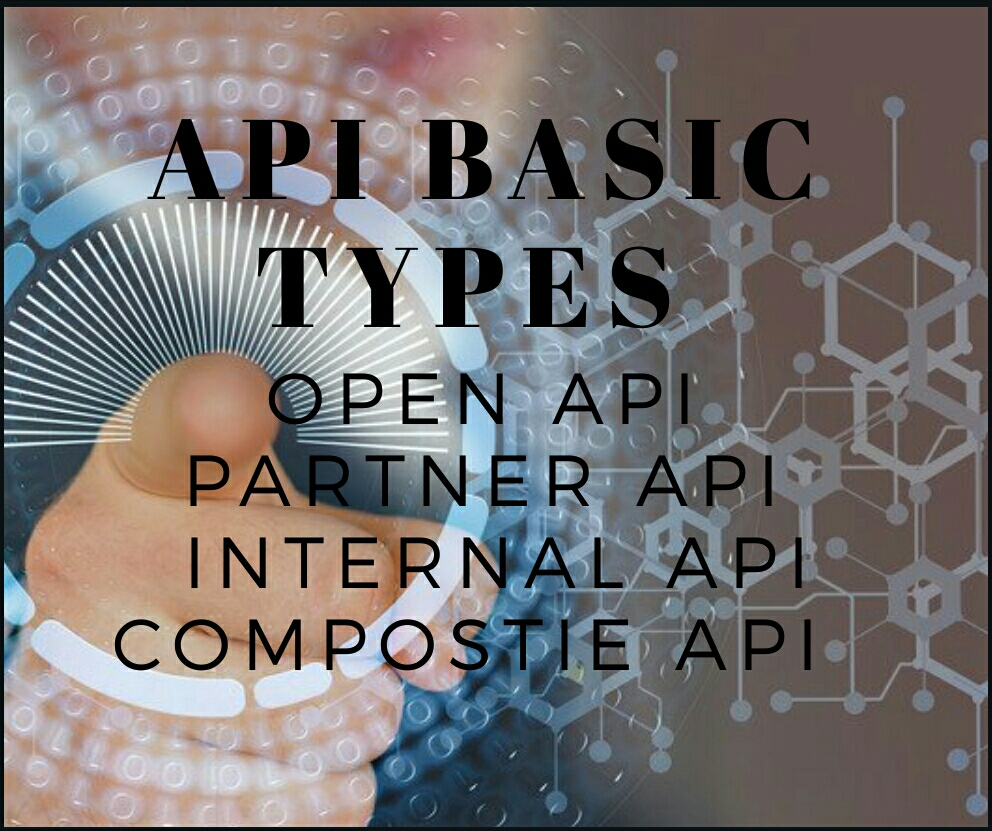
API’s are divided as:

  1. OPEN API’S: As the name suggests, these API’s are accessible at public level without any restrictions.
  2.  PARTNER API’S: Theses API’s deny access unless specific rights or license are provided to the user.
  3.  INTERNAL API’s: They are also called private API’s and used by people working internally in any company to improve their services.
  4.  COMPOSITE API’S:  These API’s club together various data and services together to speed up execution process and develop an effective web interface.

Getting to know about different API’S, lets now come to how Web service API’s (Hold on, we will learn about it in my next write-up) combine with Web API’S (Open, partner, internal and composite API) to complete the whole task of API development.

Stay tuned and enjoy tech!

WHY DO WE NEED API? HOW DOES IT MAKE EVERYTHING SIMPLE?

C’mon let’s do a quick recap to basic meaning of API which we learnt. API is a software intermediary that allows two applications to talk to each other.

Now the question arises why do we need API? How does it help us?Enabling interaction between two or more websites or software’s, API renders an easy access of information along with the good connectivity and service delivery between applications. Getting a bit confused? Okay, wait let’s understand this with an example. After opening of booking website, it directly shows up information regarding various airlines and available seats for a journey on specific date and time demanded by the user. After locking of seat followed by successful transaction, data of seat been booked gets transmitted. What drives this functioning? Yes, its API.

API helps to customize the content and services according to company’s requirement.

Now let’s come to one of most interesting feature of API, that is… yes, Integration of API! The term API integration refers to connection between two or more applications can be connected to each other via their APIs to perform some joint function. The simplest example of an API integration is the payment gateway integration on ecommerce sites. While the actual transaction is not seen by the users, the process of transfer of data for verification (your credit card/debit card details) happens because of the payment gateway Application Programming Interface (API) integrated into the website.

Hence, by bringing efficiency in interaction between two sites or applications, speeding up work of online transactions, and unlocking doors to create an effective data- based application, API promises to provide a big hand in software development.

APPLICATION PROGRAMMING INTERFACE (API) WHAT IS IT? OH WAIT…LETS EXPLORE

Let’s take a scenario. Getting almost done with month long stress of work routine, you decide to go for week-long trip to Maldives. Okay, so for it, what is first thing you need to do? Yes, quickly grap up your lappy and open booking website, right? C’mon let’s reach out this process technically.

You browse on google any booking website say, makemytrip.com (just because its quite popular and known to all) to carry on with the bookings. So, web page of booking site opens. How does this happen? Magic? Well not, really. Google engine software communicates and calls booking site, asking it to show up on user’s demand. This sends a request to site for it to open. Who directs this process? Which tool ignites process of sending request to desired web? All these questions can be answered using one single term.

Yes, its Application Programming Interface commonly called API. Summing the above cluster of sentences, API refers to set of code or protocols which triggers and sends request to the website demanded by the user to appear on the screen.

MY FIRST WORDS..

Hey, all avid readers and passionate writers out here, a big hello to you from me.

Introducing myself, Hi, I am Shruti Mahishi, currently pursing degree of name and fame. Guessed right? Yeah, its Engineering. I Have a keen interest in reading. Also, I possess skill to articulate letters into words, culminating it into sentences and then paragraphs is something which has been with me since tender age of 13.

Well so, wondering why am I here?

A simple answer to a simple question. To blend my coding (yes, I am a coder too) and writing.

Ask me, how? I am here to share up my technical write-ups (yes, only technical here! If you wish to taste my buds on generic articles relating motivation and life, follow me on medium😊)

So, to all techie’s out there, gear up to read! Stay tuned and let me know your suggestions in comment section.